
ZenTrades

ZENTRADES logo with a pink accent bar over the E.
Home ZenTrades + QuickBooks Desktop Integration

Use QuickBooks Desktop Seamlessly With ZenTrades

Keep your existing QuickBooks Desktop setup while syncing invoices, payments, and payroll data accurately from ZenTrades. No duplicate entry. No broken accounting workflows.
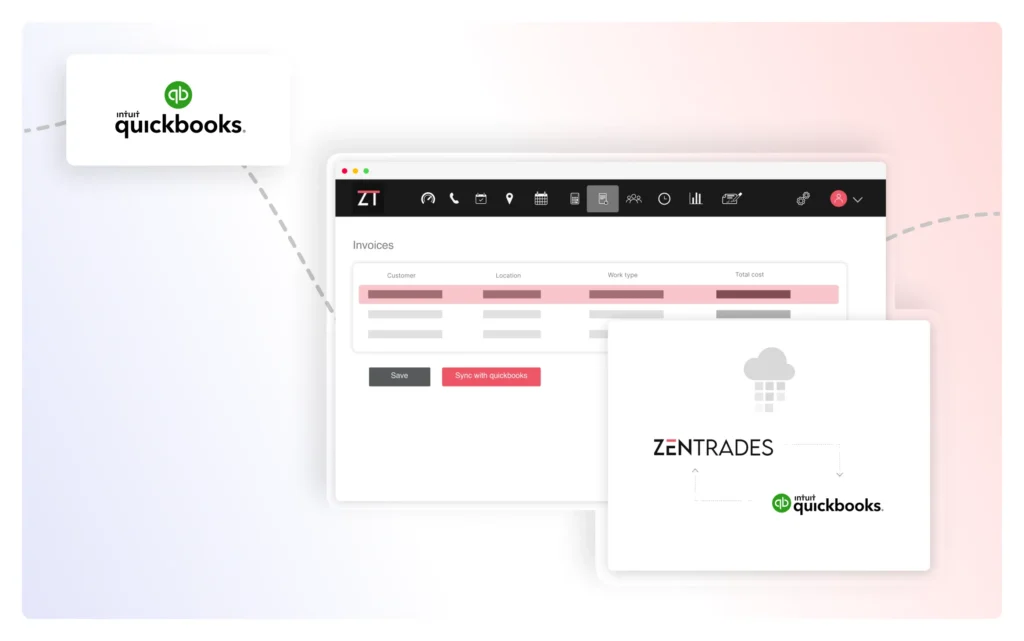
Reliable QuickBooks Desktop Sync Without Breaking Your Accounting

ZenTrades supports QuickBooks Desktop through a manual sync process managed by the ZenTrades data team.

That is intentional. QuickBooks Desktop setups are often customized, fragile, and deeply tied to how your accounting actually works. Automating that blindly is how numbers get corrupted and trust gets lost.

Instead, invoices, payments, and financial records are synced carefully and accurately, aligned with your existing accounting structure. You keep control. We make sure the data lands exactly where it should.

No Duplicate Entry, No Accounting Guesswork

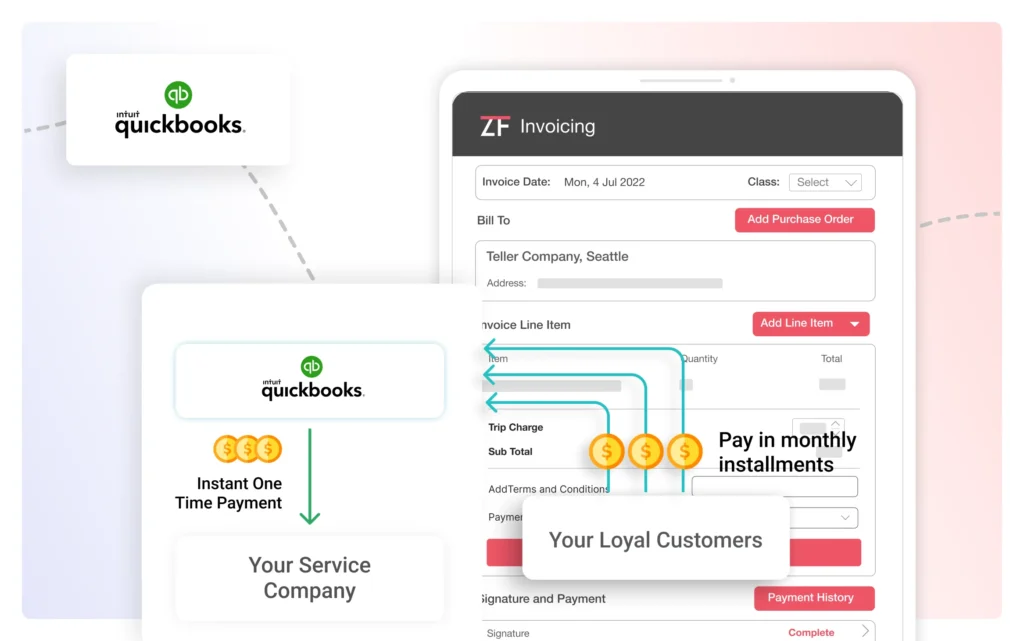
With ZenTrades handling the sync, your team does not have to re-enter invoices or payments just to keep systems aligned. Financial data flows cleanly into QuickBooks Desktop without forcing you to simplify workflows that already work.

This reduces back-office workload while protecting data integrity. Your accounting team gets consistent, reliable records without sacrificing oversight or accuracy just to save a few clicks.

It is slower than a one-click button. It is also far safer for real businesses.

Payroll Sync Without Timecard Chaos

Payroll syncing is where things usually fall apart. ZenTrades fixes that too.

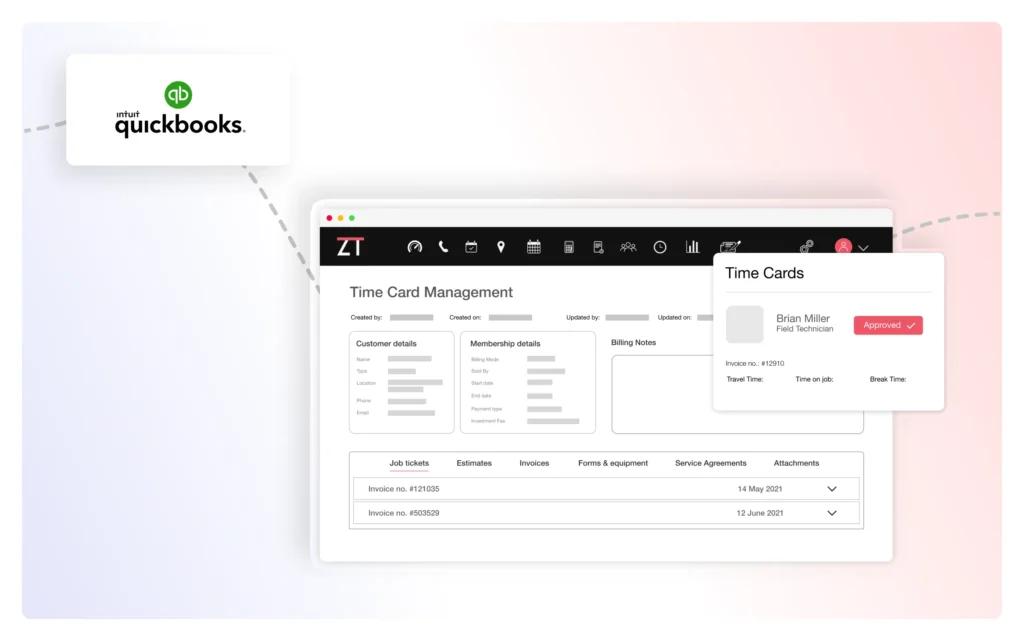
Timecards are synced from ZenTrades into both QuickBooks Desktop and QuickBooks Online, so you do not need separate spreadsheets just to calculate technician pay.

Your preferred time range is set once, and our dedicated data team handles the sync accordingly. Payroll stays aligned with actual work hours. Technicians get paid correctly. Accounting does not have to reconcile five different sources before payroll runs.

One platform for jobs, timecards, billing, and accounting sync. Less tension. Fewer errors. Much cleaner payroll cycles.

Your Accounting Stays Intact. Your Operations Stay Aligned.

QuickBooks Desktop is often deeply customized and tightly woven into how your business runs. ZenTrades supports it through a carefully managed sync process that protects your accounting structure while eliminating duplicate data entry. Invoices, payments, and payroll records flow from ZenTrades into QuickBooks Desktop in alignment with your existing setup. You keep control of your books. ZenTrades keeps operational and financial data connected without disrupting what already works.

Questions About QuickBooks Desktop Integration?

Here’s how syncing works, what data transfers, and how ZenTrades protects your accounting accuracy.

Keep QuickBooks Desktop. Simplify Everything Around It.

See how ZenTrades syncs invoices, payments, and payroll data into QuickBooks Desktop without disrupting your accounting structure.