



Fire Inspection Report Software:
What It Is, Features, and How to Choose
A missed inspection shouldn’t cost you a client. A lost report shouldn’t trigger a compliance penalty. But for fire protection businesses still running on paper forms and spreadsheets, both happen more than they should. One overlooked deadline. One technician filed the wrong version. One report that never made it out of someone’s truck. Suddenly, you’re chasing paperwork instead of growing your business, and your clients are questioning whether they can count on you.
Key takeaways
- Fire inspection report software eliminates paper forms and manual data entry.
- Generates professional PDF reports instantly from the field and sends reports to clients before leaving the property.
- Offline mobile access ensures inspections never stop – Full functionality without internet; data syncs when connectivity returns.
- Reminders for upcoming inspections, flagged overdue items, and an audit trail ready for regulators.
Fire inspection software exists to close those gaps by improving operational efficiency and saving time for fire protection businesses. The right platform gives your team everything they need in the field, keeps compliance deadlines visible before they become problems, and turns a process that used to take days into one your team can manage in hours without losing a single detail.
This guide breaks down what fire inspection software does, why it matters for your business, and what to look for when choosing a platform that fits your team’s workflow.
Use Our Free Estimated Template Now
Make Winning Quotes in Minutes – For Any Industry And Any Job
What Is Fire Inspection Report Software?
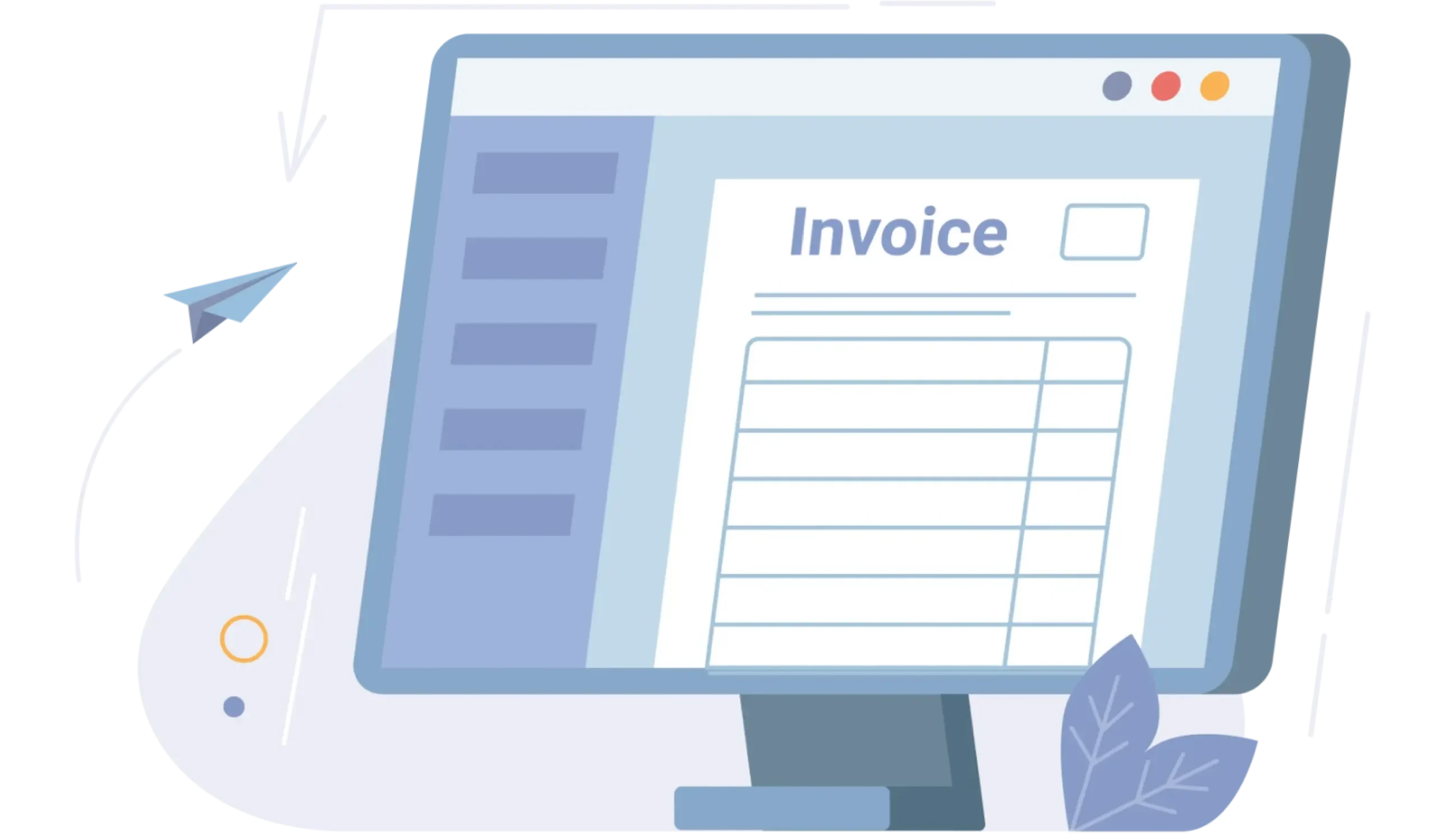
Fire inspection report software is a digital tool that helps fire protection companies and fire departments manage the full inspection cycle, from scheduling and field documentation to report generation and compliance tracking. It helps manage inspections efficiently by streamlining processes and improving workflow.
Instead of relying on paper checklists, handwritten notes, and manual data entry back at the office, your inspectors use a mobile app to capture everything on-site. Fire inspection software automates many routine tasks, including scheduling inspections, data entry during inspections, and report generation, thereby increasing efficiency and reducing administrative workload. Photos, deficiency notes, equipment conditions, and signature sign-offs all get recorded in one place, in real time.
Once the inspection is complete, the software automatically generates professional reports. Those reports are sent to property owners and stored in a centralized database for storing inspection data, reports, and vital documentation, allowing relevant personnel to access and analyze this information instantly.
Fire inspection software also enhances situational awareness by providing instant access to building information and historical inspection data.
A comprehensive fire inspection software platform typically includes features such as automated scheduling, digital checklists, real-time data access, compliance tracking, and mobile compatibility with offline access.
Why Fire Safety Inspections Still Rely Too Much on Paper?
Most companies that still use paper-based workflows for fire safety inspections will tell you the same thing: it works until it does not. A missed form, an illegible note, a report that never got sent because it was still sitting in someone’s truck. These things happen constantly, and they carry real consequences.
Beyond the internal headaches, paper-based fire inspections create problems with regulators, property owners, and insurance providers. If you cannot quickly produce a complete, dated, well-documented inspection history, it reflects poorly on your business and may expose your clients to risk. Fire inspection report software simplifies compliance by streamlining adherence to fire codes and regulations, making it easier for fire marshals, inspectors, and municipal leaders. Additionally, these platforms improve accuracy and efficiency in compliance reporting, ensuring all necessary documentation is organized and accessible.
Digital fire inspection software exists to solve exactly this problem. When your process is built around a cloud-based software platform, every inspection leaves a clear, timestamped, searchable record. Automated alerts and reminders in fire inspection software also help prevent missed inspections and critical deadlines.
Key Features to Look for in Fire Inspection Software
Not all inspection software is the same. Before you commit to any platform, make sure it covers the things that actually matter to how fire protection companies operate day to day. The best fire inspection report software offers streamlined workflows and automated workflows, which help improve operational efficiency by simplifying complex processes and reducing manual tasks.
Digital Checklists Built Around NFPA Standards
Any fire inspection software worth using should offer digital checklists that reflect NFPA standards out of the box. These are not just helpful for consistency. They are essential to ensuring inspections comply with regulations and to generating the documentation your clients and regulators expect.
Digital checklists also serve as a safeguard for your inspectors. When someone is moving through a large commercial building with dozens of systems to assess, a structured checklist ensures critical elements are not overlooked. Fire sprinklers, fire alarm panels, fire extinguishers, suppression systems. Everything gets checked off in order, every time.
Mobile App with Offline Access
This is non-negotiable. Fire inspections happen in basements, parking structures, mechanical rooms, and commercial buildings where reliable internet access is anything but guaranteed. If your mobile app cannot function offline, your inspectors will constantly run into problems.
The best fire inspection software gives your field teams full functionality on mobile devices, whether or not they have a connection. Data syncs automatically when connectivity is restored. No duplicate entries, no lost data.
Automated Scheduling and Reminders
One of the most practical benefits of fire inspection software is taking the manual work out of scheduling. The platform should be able to send automated reminders to clients and internal staff about upcoming inspections, flag overdue items, and help you stay ahead of recurring compliance deadlines.
For companies managing dozens or hundreds of accounts, this feature alone justifies the switch to a digital tool.
Real Time Visibility and Centralized Data
Your office staff should not have to call a technician to find out where things stand on a job. Good inspection software gives your whole team real-time visibility into inspection status, open deficiencies, and client history.
A centralized database for inspection data, reports, and documentation means anyone authorized can pull what they need instantly. That kind of instant access matters when a client calls with a question or a regulator requests documentation.
Photo Capture and Annotation
The ability to capture photos during inspections and annotate them directly in the app becomes more valuable over time. When you document a deficiency with a clear photo and a note explaining what needs to be corrected, it removes any ambiguity for the property owner and speeds up the resolution process.
It also protects you. If there is ever a dispute about the condition of a system at the time of inspection, your photo record speaks for itself.
Instant Report Generation
Generating reports from the field rather than waiting until someone gets back to the office makes a real difference in responsiveness. Clients appreciate receiving documentation quickly, and this professionalism sets your business apart.
The best fire inspection software lets your inspectors complete inspections and send professional reports before they leave the property.
Compliance Tracking
Compliance tracking is one of the core functions that separates basic scheduling tools from a true fire inspection platform. The software should monitor inspection history, flag items coming due, and maintain an automated record of what has been completed and when.
For fire departments and fire protection companies alike, this kind of compliance tracking is what makes it possible to manage a large portfolio of accounts without things falling through the cracks.
Integration with Existing Systems
Switching to new software does not mean starting from scratch on everything else. Good fire inspection software integrates with existing systems like accounting platforms, CRM tools, and compliance platforms, so you are not creating new silos or forcing your team to do double data entry.
Look for platforms with an open API that gives you flexibility to connect tools your business already depends on.
The Real Benefits of Using Fire Inspection Software
Understanding the features is one thing. Understanding what those features actually change about your daily operations is another. One of the key benefits of fire inspection report software is the automation of routine inspections and routine tasks, such as scheduling, data input, and report generation. This automation streamlines regular assessments, reduces administrative workload, and ensures ongoing compliance with fire safety regulations.
It Cuts Down Administrative Burden Significantly
By eliminating manual, paper-based inspection processes, fire inspection software accelerates inspections and reduces administrative burden. When your field technicians are not spending 45 minutes after every job entering data, and your office staff is not chasing down handwritten reports, everyone has more time for higher-value work.
It Helps You Ensure Compliance Without the Constant Chasing
Staying on top of fire safety regulations across a large portfolio of accounts is genuinely hard. Automated reminders, compliance-tracking dashboards, and inspection history logs help ensure consistent compliance, even when you are managing a high volume of work.
Missing an inspection deadline is not just an inconvenience. It can result in penalties, lost contracts, and damaged relationships with clients. Fire inspection software is one of the most practical ways to ensure that never happens.
It Improves Communication with Clients and Stakeholders
When a property owner can receive a complete, professional inspection report within minutes of the inspection’s completion, it builds trust. When deficiencies are clearly documented with photos and descriptions, the follow-up conversation is easier and faster.
Inspection data that used to sit in a filing cabinet or on someone’s laptop is now accessible, shareable, and easy to act on.
It Reduces Costs Over Time
Fire inspection software reduces administrative costs by automating scheduling, reporting, and compliance tracking. Over time, the savings in labor hours, paper, and avoided penalties add up in a meaningful way. Companies that have made the switch almost universally report that the investment pays for itself.
It Supports Better Safety Outcomes
This is the part that matters most. Properly maintained fire sprinkler systems significantly reduce property damage. Fire extinguishers that are inspected on schedule and documented correctly are fire extinguishers that work when they need to. The whole reason fire inspections exist is to protect people and property.
When your inspection process is more thorough, more consistent, and better documented, the safety value of every inspection goes up. That is what fire inspection software is ultimately.
Fire Sprinklers, Fire Alarms, and Extinguishers: Why Equipment-Specific Features Matter?
Different types of fire equipment have different inspection requirements, and your software should reflect that. Fire sprinkler systems are subject to NFPA 25 requirements. Fire alarm systems follow NFPA 72. Fire extinguishers have their own inspection frequencies and documentation standards. Routine maintenance tasks for fire protection systems—such as testing, servicing, and repairs—are also managed and documented through fire inspection report software, ensuring that maintenance is scheduled, tracked, and recorded as part of compliance and safety protocols.
A platform designed specifically for the fire protection industry will have inspection forms and compliance tracking built around these standards, not generic templates that require heavy customization.
When your software knows the difference between a fire sprinkler quarterly check and a fire alarm annual test, your inspectors can move faster and with greater confidence that they are capturing what they need.
How to Choose the Right Fire Inspection Software for Your Business?
Choosing the right fire inspection software is not about finding the most feature-rich platform on the market. It is about finding the one that fits how your team works and the types of fire inspections you handle most often.
Here are the things worth taking seriously when you evaluate options.
Start with Your Actual Workflow
Before you look at any software, map out how you currently schedule inspections, conduct inspections, and get reports to clients. Where are the slowdowns? Where do things fall through the cracks? The best fire inspection software is the one that solves your specific problems, not just the most common ones.
Evaluate Mobile Functionality Honestly
Ask to see the mobile app in action before you commit. Can inspectors complete inspections offline? Can they capture photos and generate reports from the field? Is the interface intuitive enough that your team will actually use it consistently? An intuitive interface matters more than a long feature list.
Think About Integration Early
If your business uses accounting software, a CRM, or other operational tools, ask every vendor about integration options from the start. Fire inspection software that does not integrate seamlessly with your existing workflows will create more problems than it solves.
Consider Training and Support
Switching to a new system takes time. Your field technicians, office staff, and management all need to get comfortable with it. Look for vendors that offer solid onboarding support and ongoing training resources, especially if you manage a large team.
Look at Total Cost, Not Just the Monthly Fee
Some platforms charge per user, some charge per inspection, and some bundle everything. Think about your volume, your team size, and what features you actually need. The cheapest option is rarely the best value, especially when it comes to compliance features that prevent costly penalties.
Common Mistakes When Switching to New Fire Inspection Software
Even companies that choose a great platform sometimes struggle with implementation. A few things to avoid.
Trying to migrate everything at once. Start with a single workflow, get your team comfortable, then expand. Rushing the transition leads to data gaps and frustrated technicians.
Not involving field technicians in the decision. The people who conduct inspections every day know what they need. If they are not part of the evaluation process, you might end up with software they will work around rather than with.
Underestimating the change management side. New software changes habits. Budget time for training, expect a learning curve, and make sure your office staff understands the new system as well as your field teams do.
What the Best Fire Inspection Software Has in Common?
Whether you are a smaller regional fire protection company or a national firm managing thousands of accounts, the best fire inspection software platforms share a few consistent qualities.
They are designed specifically for the fire protection industry, not adapted from generic field service tools. They handle the full inspection workflow from scheduling through report delivery. They make compliance tracking automatic rather than manual. These platforms help users stay one step ahead in compliance and operational efficiency by streamlining processes and providing timely information. And they give everyone on your team, from field technicians to office staff to management, the visibility they need to do their jobs well.
The life safety industry has particular demands, and the software built for it reflects that.
ZenFire: Best Fire Inspection Software Built for How You Actually Work
If you are looking for fire inspection software that checks all of the boxes above without overcomplicating the experience, ZenFire is worth a serious look. Other specialized platforms, such as Inspect Point, also offer tailored solutions for fire protection professionals, including inspection management, compliance assurance, and workflows designed specifically for the industry.
ZenFire is built specifically for fire protection companies and fire departments. It covers the full inspection workflow, from scheduling and digital checklists to mobile-first field tools and automated report generation, all on a single platform designed to streamline inspections without a steep learning curve. Additionally, ZenFire enables users to generate quotes for repairs or replacements directly from inspection findings, making it easier for technicians and office staff to quickly produce accurate cost estimates and improve efficiency.
What ZenFire brings to the table:
ZenFire gives your field technicians a mobile app with full offline capability, so they can conduct inspections anywhere without worrying about connectivity. Digital forms are built around NFPA standards for fire sprinklers, fire alarm systems, fire extinguishers, and other fire equipment, which means your team is always inspecting to the right standard.
Automated scheduling and compliance tracking take the manual follow-up off your plate. Upcoming inspections get flagged automatically, overdue items get surfaced before they become problems, and your whole history of inspection reports stays organized and accessible in a centralized cloud-based database.
From the field, inspectors can capture photos, annotate deficiencies, and generate complete, professional reports before they leave the property. No backlog of paperwork. No double data entry. Just clean, accurate documentation that goes to clients right away.
ZenFire also integrates with existing systems through an open API, so adding it to your current workflow does not require rebuilding everything from scratch. Whether you need to connect accounting tools, CRM platforms, or other operational software, ZenFire is built to integrate seamlessly rather than create new silos.
For fire protection professionals looking to ensure compliance, cut administrative overhead, and simply run a tighter operation, ZenFire gives you the tools to do that without making the software itself a burden.
The right fire inspection software does not just make inspections faster. It makes your entire business run better. ZenFire is designed to do exactly that.
Looking to see how ZenFire fits your team? Schedule a demo and walk through the platform with someone who knows the fire protection industry.