



Fire Inspection Software vs Spreadsheets:
Which One Actually Saves Your Department Time?
Picture this. It’s Friday afternoon. An inspector walks back into the station with a clipboard full of scribbled notes from three different inspections. Now somebody has to type all of it into a spreadsheet before Monday. Sound familiar? That right there is the whole fire inspection software vs spreadsheets debate in one ugly snapshot.
Key takeaways
- Fire inspection software can cut inspection time by up to 40% compared with manual spreadsheet workflows.
- Spreadsheets are error‑prone and lack enforced workflows, leading to missed follow‑ups and compliance gaps.
- Inspection software automates reporting, photos, and notes so inspectors can close cases from the field in real time.
- Digital platforms bake NFPA, OSHA, and ANSI checks into forms so nothing gets skipped during inspections.
If your fire department still runs life safety inspections on Excel or Google Sheets, you already know the pain. Lost cells. Broken formulas. A version named “final_v3_REAL_FINAL.xlsx” is sitting next to four other “final” copies. Meanwhile, the inspector next door is dictating notes into a mobile device, closing out inspections from the field, and watching reports auto-generate before lunch.
So which approach actually wins for the modern fire department? Let’s compare these two options side by side, look at what each really delivers across inspections, and figure out which one helps you manage the process more efficiently for your specific needs.
If you are evaluating the Fire Inspection software, here is the guide we have created for you: “Top 10 Fire Inspection Software for Fire Protection Businesses in 2026.”
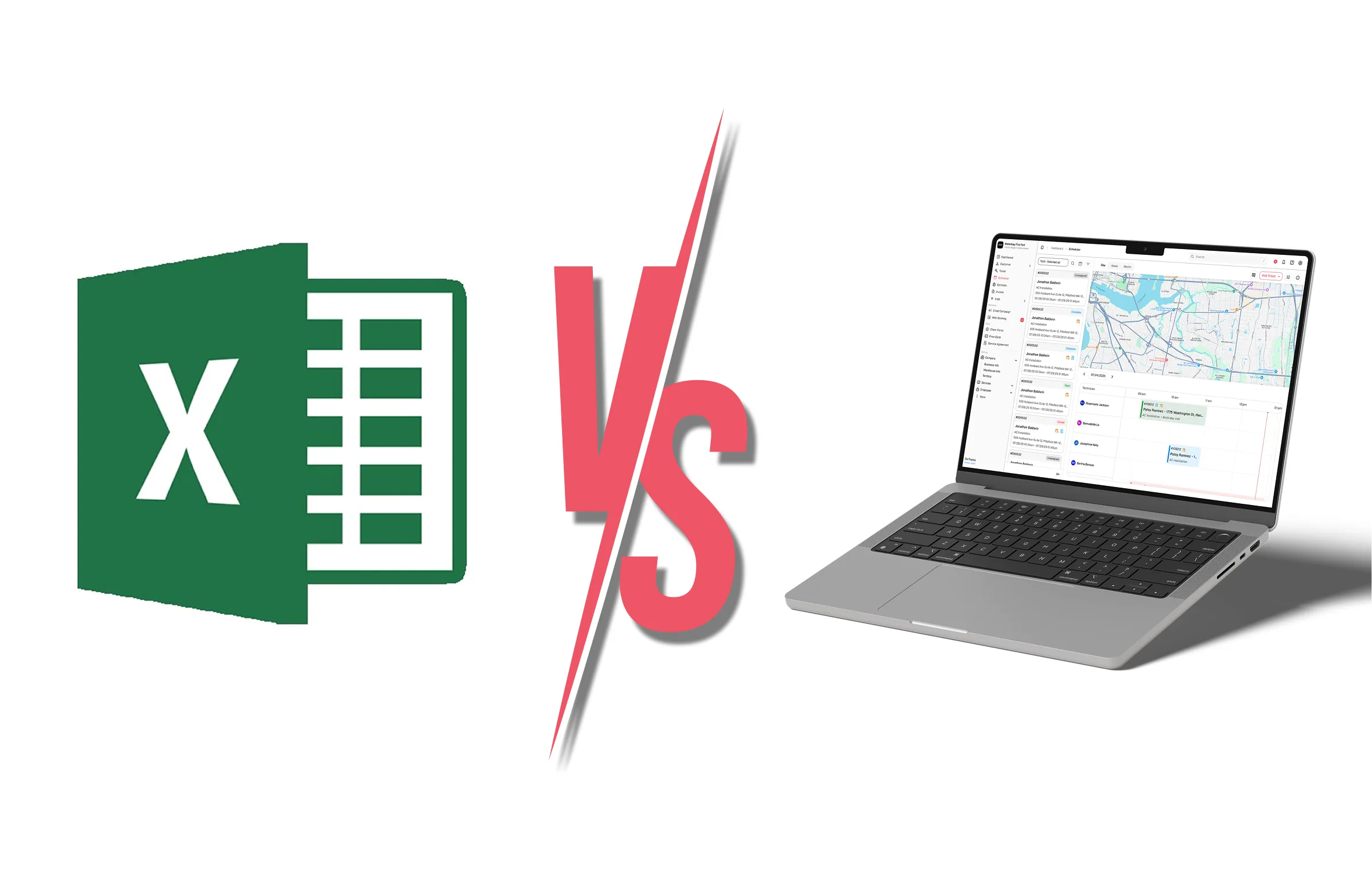
Why Departments Are Quietly Walking Away From Spreadsheets?
Spreadsheets aren’t bad. They’re just not built for the job inspectors do every day.
Research shows that over 60% of fire departments have adopted digital solutions, and 52% use real-time data platforms. That’s not a small shift. That’s the entire fire service industry quietly admitting a grid of rows and columns can’t keep up with NFPA standards, OSHA rules, and ANSI requirements all at once.
Here’s what spreadsheets force your team to do during inspections. Manual data entry on every inspection. High-level building summaries with no real depth. Zero built-in reporting features, which means you’re building templates by hand every time the chief asks for numbers. And the workflow? There isn’t one. Nothing enforces who does what, when, or how, and nothing flags inspections that should already be closed.
That last point matters more than people realize. Spreadsheets do not enforce workflows. Proposals stall. Ownership of tasks gets fuzzy. Inspections you thought were closed are still waiting on a signature nobody chased. Compliance problems pile up because nobody owns the next step in the process. Departments that try to manage these gaps manually quickly run out of bandwidth.
What Is Fire Inspection Software?
Fire inspection software is a digital platform built specifically for fire prevention work. Instead of clipboards and spreadsheets, inspectors use a mobile device on site. They fill out digital forms, dictate notes, snap photos, and pull up the property’s full inspection history before they even knock on the door.
The software tracks every piece of equipment, system, hydrant, and alarm panel using barcodes or serial numbers to maintain a clean equipment record. You can track when an inspection happened, who ran it, and which inspections are coming due next. That level of accuracy is essential for fire prevention work, and spreadsheets simply cannot deliver it.
And the reporting? Reports auto-generate the moment inspections wrap. Photos attached. Real-time notes embedded. The owner gets a copy in their inbox before the inspector pulls out of the parking lot.
The benefits of Fire Inspection software are not limited. Read the linked blog to learn about the detailed “Benefits of the Fire Inspection Software.”
The Honest Comparison Between Both Approaches
Let’s get into what really separates these two approaches across the inspections your team handles every week.
Accuracy and Data Quality
Spreadsheets are prone to human error. Anyone who has ever fat-fingered a cell phone knows this. In fire inspection records, that small mistake can mean an unrecorded violation, a missed re-inspection date, or a building owner who never got their report. That’s how compliance gaps quietly start, and the process to clean them up gets ugly fast.
Inspection software eliminates the need for tedious data entry by allowing inspectors to capture inspections on a mobile device while walking the property. No double data entry. No retyping notes back at the station. That alone can save hours every week, reduce rework-related costs, and protect your team’s ability to maintain accurate inspection records over the long haul.
Reporting and Documentation
Spreadsheets offer no built-in reporting features. You build the templates yourself. You format them yourself. You hope nobody breaks the formulas. Adding new reports means rebuilding from scratch every time, and you have to create every new template by hand.
Inspection software provides superior reporting capabilities. Photos. Real-time notes. Custom inspection forms tied to the exact property type. The reporting features and analytics capabilities you get out of a digital system are on a different planet from anything Excel can produce.
This matters because poor documentation is a leading cause of audit failure. It accounts for 60% of compliance problems during fire safety inspections. Incomplete or inconsistent records can result in violations, fines, or even the revocation of occupancy permits. That’s not a hypothetical. That’s a Tuesday for a department running spreadsheets across all its inspections.
Workflow and Compliance
Inspection software bakes compliance right into the workflow. Predefined processes and inspection forms align with NFPA standards, OSHA rules, and ANSI requirements. The platform walks the inspector through every required check throughout the inspection process. Nothing gets skipped because the workflow won’t let you. That’s how you create real accountability across the team, tighten ownership of every inspection, and manage your prevention process without spreadsheet duct tape.
Digital workflows also deliver a complete audit trail. Every change, every photo, every signature is logged and timestamped across all your inspections. When the state shows up for a review, you’re not scrambling through email threads and shared drives. You pull it up in one platform, in one click. No waiting on someone to dig through old files. No waiting for the office to email a missing report. That kind of workflow visibility is impossible in a spreadsheet.
Speed and Efficiency
Here’s the number that usually closes the deal. Digital inspection platforms can cut inspection time by up to 40% across routine inspections. That’s not marketing fluff. That’s mobile data capture, instant reporting, and centralized documentation doing the heavy lifting on every set of inspections.
Automated platforms also reduce administrative bottlenecks and overlooked safety deficiencies in heavily regulated industries. Less time on paperwork means more inspections completed per month, more efficient prevention work, and a safer community overall. The efficiency gains compound month over month, and most departments expect to see meaningful improvements within the first quarter. More efficient inspections also free your crews to focus on the work that matters most.
All-in-One Platform vs Modular Software
Once a fire department decides to move off spreadsheets, the next choice is what kind of software to buy.
All-in-one fire department software integrates incident reporting, personnel management, scheduling, and inspections into one platform. Data flows between modules automatically. There’s no copying numbers from the inspection system into the records system, and no manual work to track what’s open versus closed. Large agencies tend to love this approach because it reduces the risk of errors from juggling multiple complex systems and simplifies overall operations across thousands of inspections.
Modular fire department software lets you pick specialized applications for specific functions. Maybe inspections are the priority right now. Maybe records management can wait until the next budget cycle. Smaller departments often prefer this path because it’s more budget-friendly and easier to roll out. You start with critical needs and expand capabilities over time as the business case grows. Smaller departments can also keep pricing predictable by starting lean and adding modules later.
Neither approach is universally better. Department size, existing tools, and the complexity of your operations will define the right call.
How to Choose the Right Platform for Your Digital Workflows?
Don’t just pick the vendor with the flashiest demo. Walk through this checklist before you sign anything.
Start with your workflow. Map how inspections actually happen today, in-house, from dispatch to closeout. Who does what, when, and how. Walk through the full process step by step. Track where inspections currently stall and what your team needs to manage exceptions. Then ask each vendor to show you exactly how their software handles your specific process. If they can’t, keep looking.
Look at pricing carefully. Some vendor contracts charge per user. Some per inspection. Some bundle training, implementation, and support into the contracts, while others tack those costs on later. Total cost of ownership matters more than the sticker price. Ask for a full breakdown of pricing, including ongoing costs, not just year one. Hidden costs in vendor contracts and surprise pricing tiers have ended more software rollouts than bad features ever did. Expect any honest vendor to share pricing details without making you chase it.
Check the integration capabilities. Can the platform connect to your CAD system, your records management platform, and your billing tools? A platform that lives in isolation just creates another data silo. Solid integration keeps your data flowing between systems rather than being trapped in a single platform, and a clean integration plan should be part of every vendor conversation.
Evaluate the support and training. The best software in the world fails if your team can’t use it. Ask how implementation works. How long until inspectors are productive? What ongoing training and support resources look like. A solid training plan is what separates a smooth rollout from a stalled one.
And finally, talk to current customers. Not the ones the vendor hands you. Find departments of your size, doing similar work, and ask them what they wish they’d known before they signed.
The Bottom Line
Why Most Departments Make the Switch?
Fire inspection software isn’t a luxury anymore. It’s how modern departments stay ahead of compliance risk, deliver better reporting on every round of inspections, and free up inspectors to focus on the job they signed up for. Spreadsheets had a good run. But when 60% of compliance gaps trace back to poor documentation, sticking with Excel is a risk most fire departments can no longer afford.
Whether you go all-in-one or modular, the move from spreadsheets to a real platform pays for itself in time saved, errors avoided, costs reduced, and audits passed.
ZenFire: Built for the Way Inspectors Actually Work
ZenFire is inspection software designed by people who understand fire prevention because they’ve lived it. The platform brings inspections, scheduling, reporting, and equipment tracking into one platform so your team isn’t bouncing between five different tools to complete a single site visit.
With ZenFire, inspectors use a mobile device to capture photos, dictate notes, and complete digital forms while they walk the property. Reports generate automatically. Compliance with key NFPA codes is built into every inspection form. And because ZenFire’s pricing model is transparent and scales with department size, both smaller departments and larger agencies can get started without a six-figure implementation budget.
Want to see how ZenFire compares to your current setup? Book a demo, and we’ll show you exactly how much time, money, and headache your team could save next quarter.